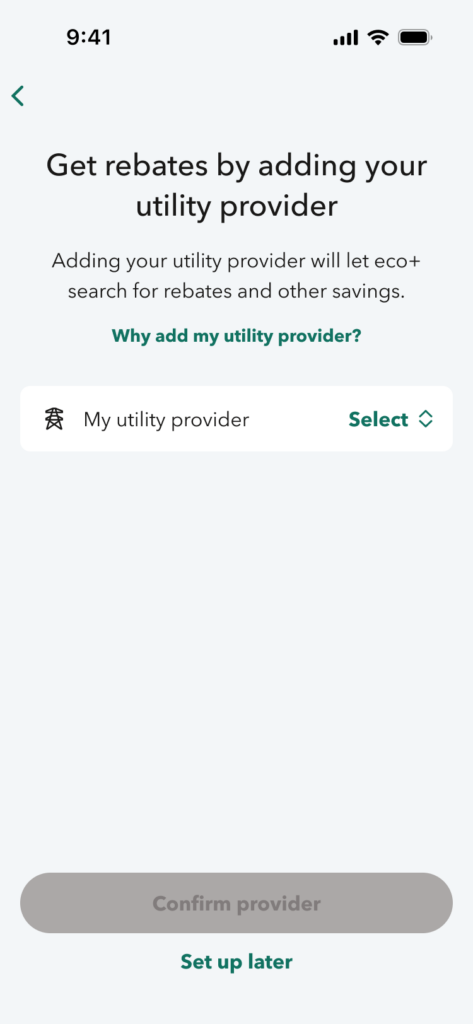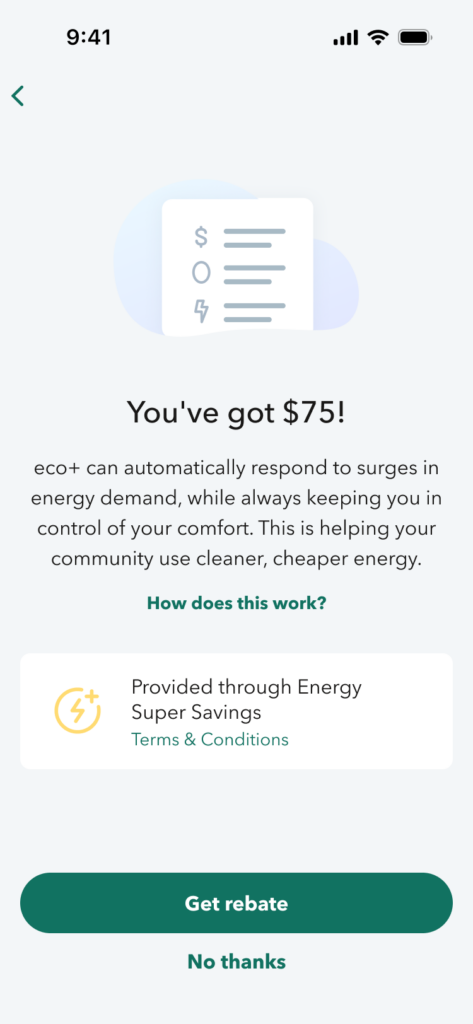

Enroll your ecobee in CORE Cool Credits easily via eco+!
Before you start CORE Cool Credits enrollment:
- Download the ecobee app. You will be prompted to create an ecobee account and sign in.
- Create your home by providing your home address and details.
- Enter the code displayed on your ecobee to complete registration.
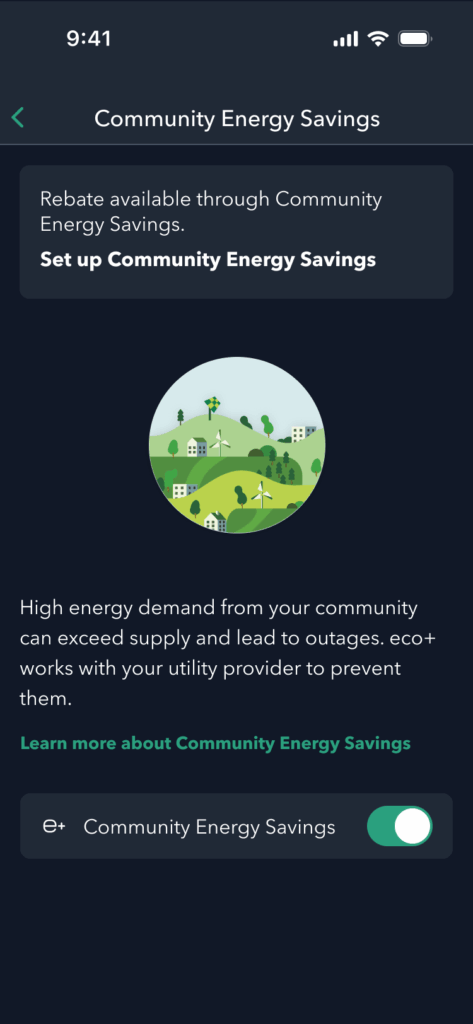
- Proceed to the Community Energy Savings (CES) enrollment flow.
- After you complete CES enrollment via eco+, we encourage you to also enroll in FlexSaver to access additional alert options and other cool features.
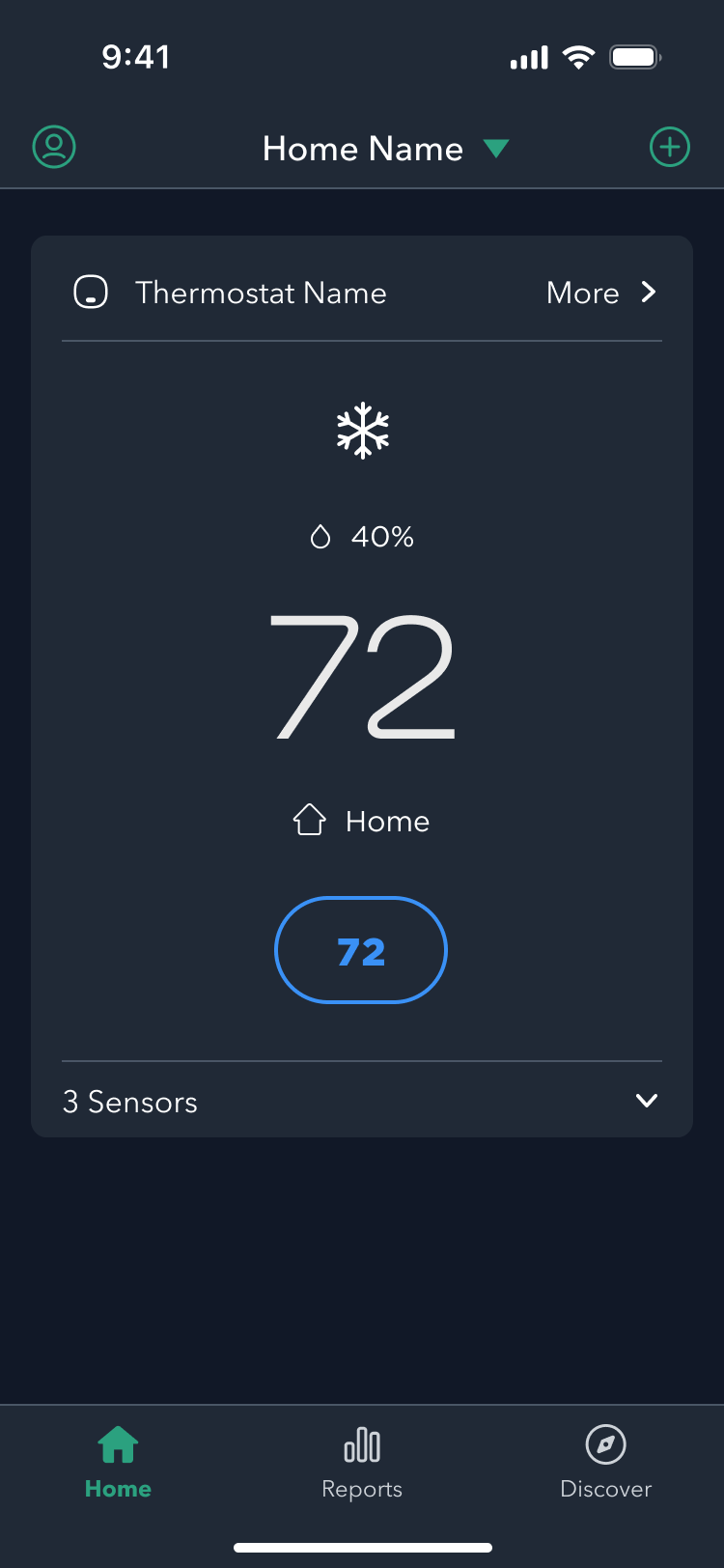
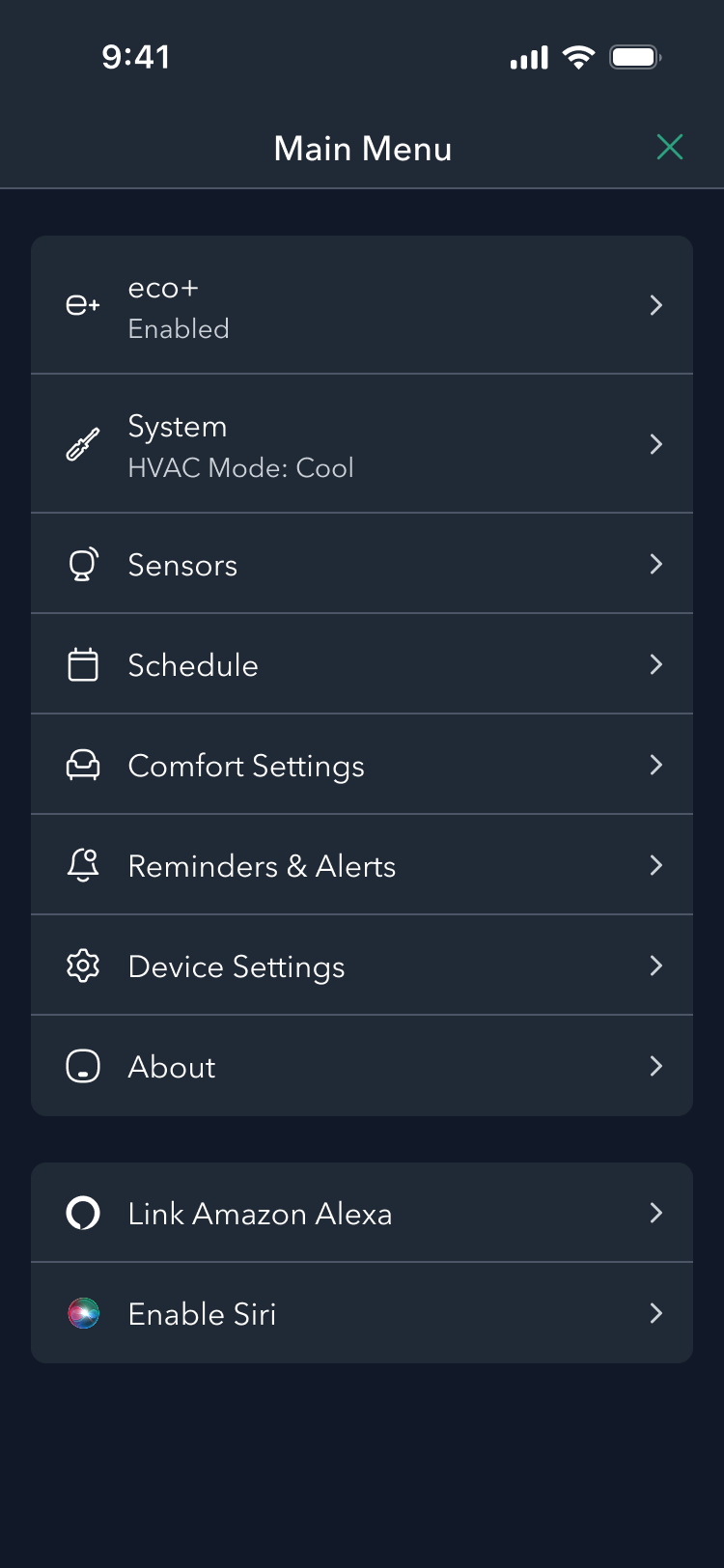
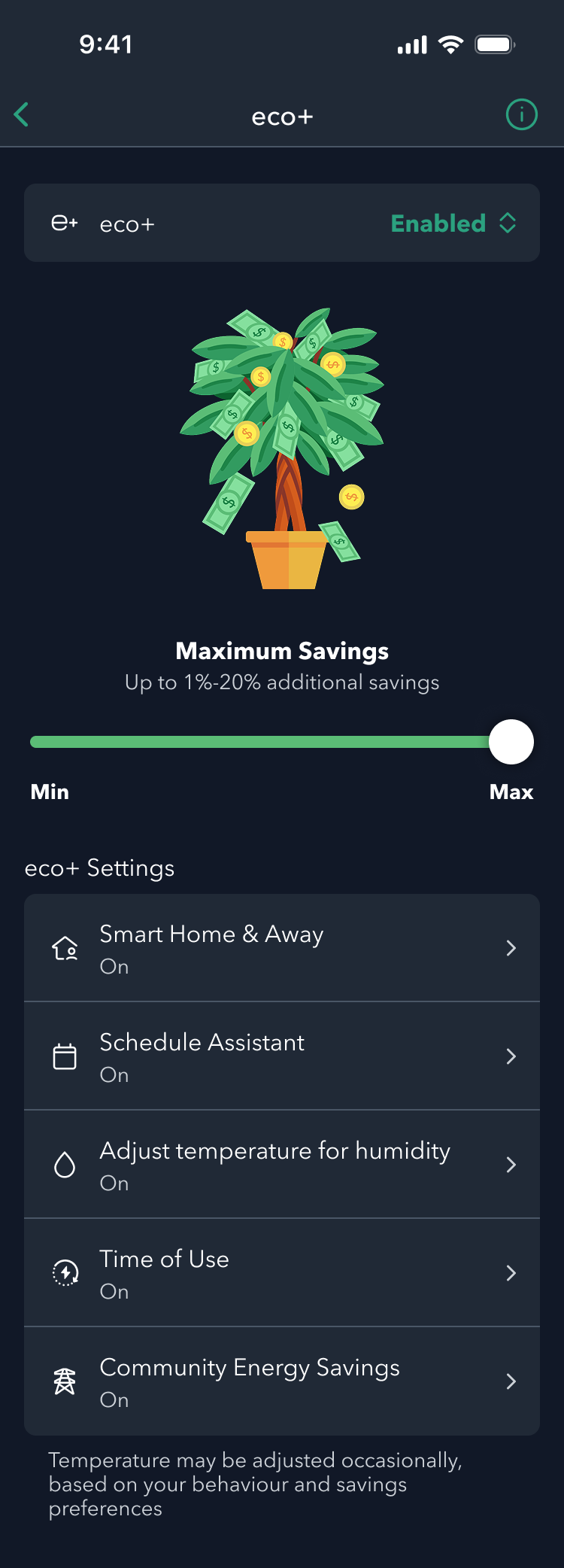
Enroll Through eco+ Settings
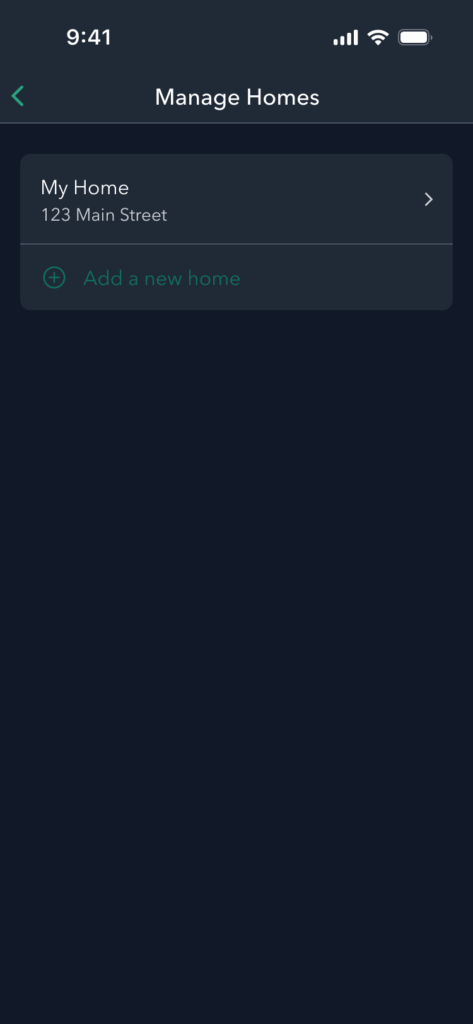
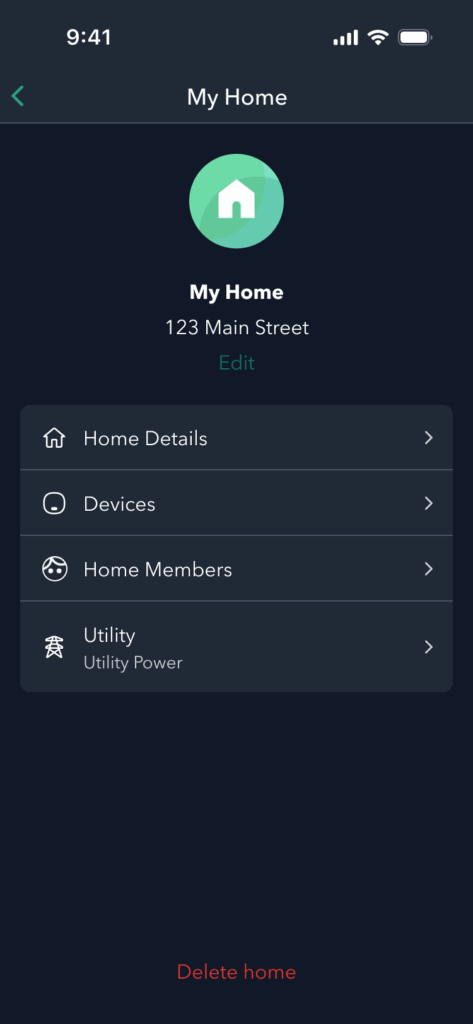
Enroll Through Account Settings
How to Enable Community Energy Savings (CES) on a New ecobee Device