
CORE Cool Credits ecobee Enrollment

Enroll your ecobee in CORE Cool Credits easily via eco+!

Before you start CORE Cool Credits enrollment:

  1. Download the ecobee app. You will be prompted to create an ecobee account and sign in.
  2. Create your home by providing your home address and details.
  3. Enter the code displayed on your ecobee to complete registration.
  4. Proceed to the Community Energy Savings (CES) enrollment flow.
  5. After you complete CES enrollment via eco+, we encourage you to also enroll in FlexSaver to access additional alert options and other cool features.
Enroll through eco+ settings

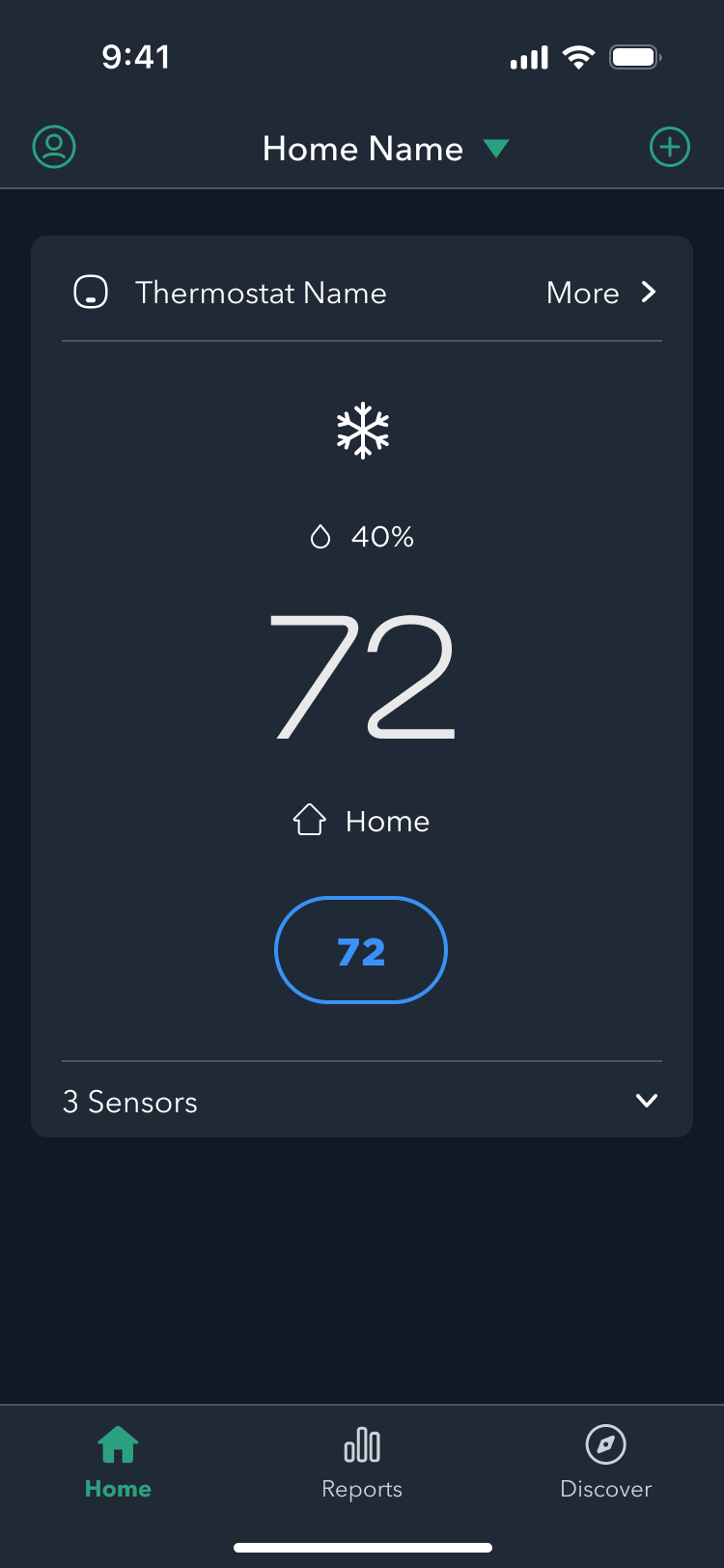
1. Click your thermostat name, typically “My ecobee.”

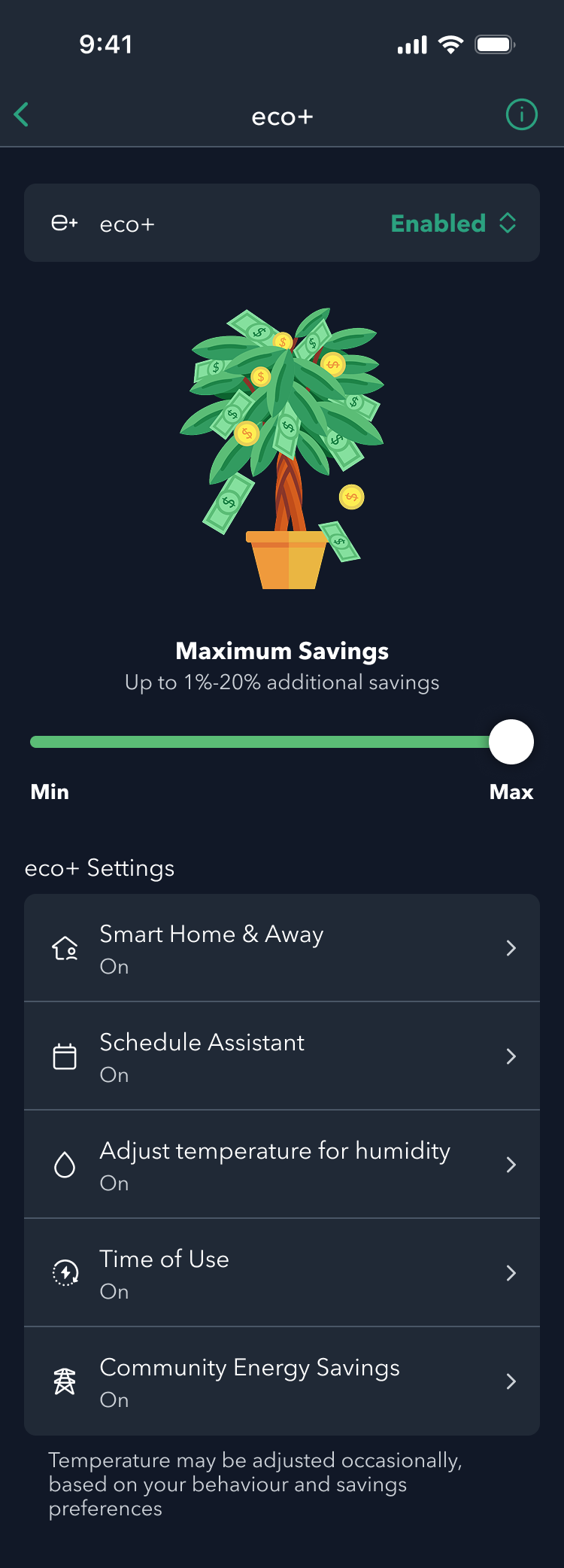
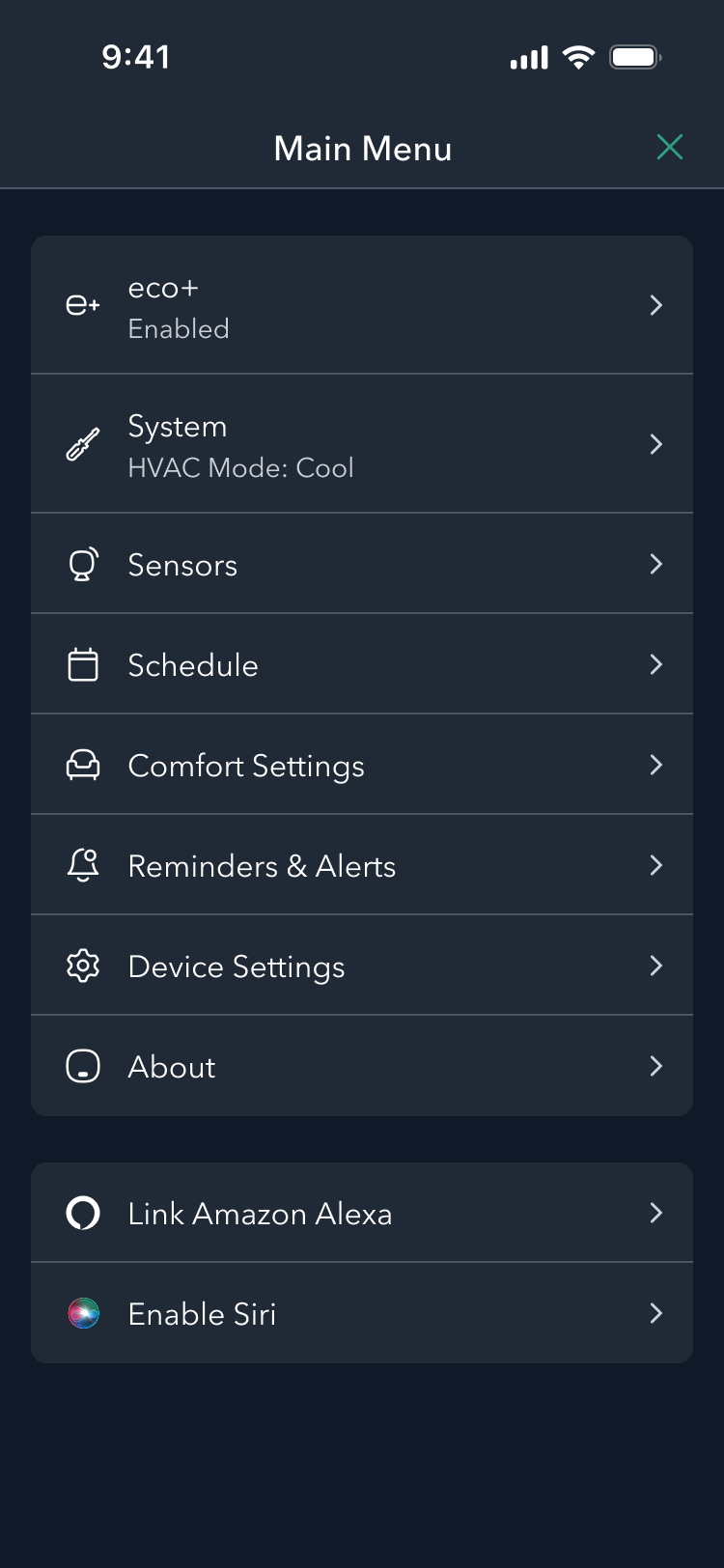
2. Click the gear icon in the upper right corner, then select the eco+ banner

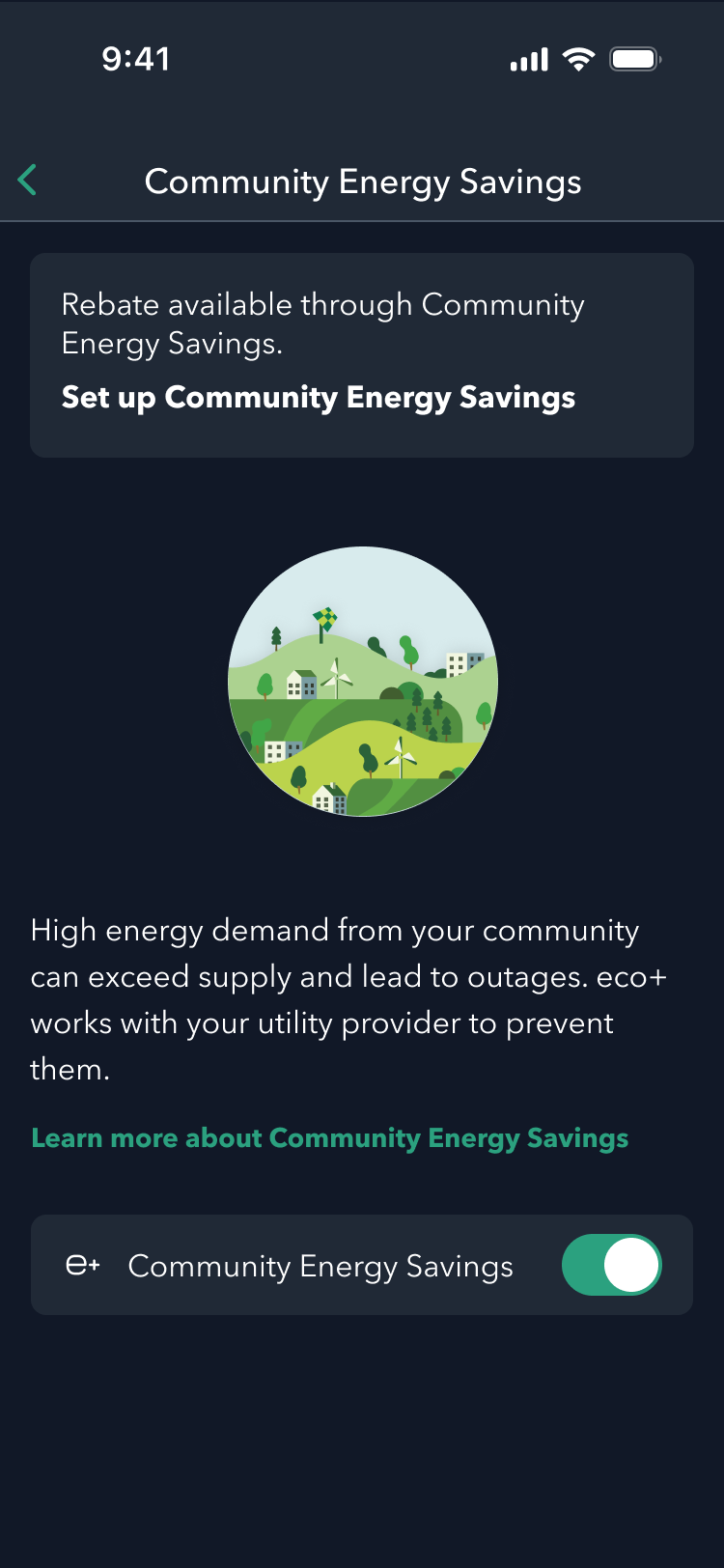
3. Select Time of Use or Community Energy Savings.

4. Click the Set up banner to proceed to CES/TOU enrollment.

Enroll through account settings

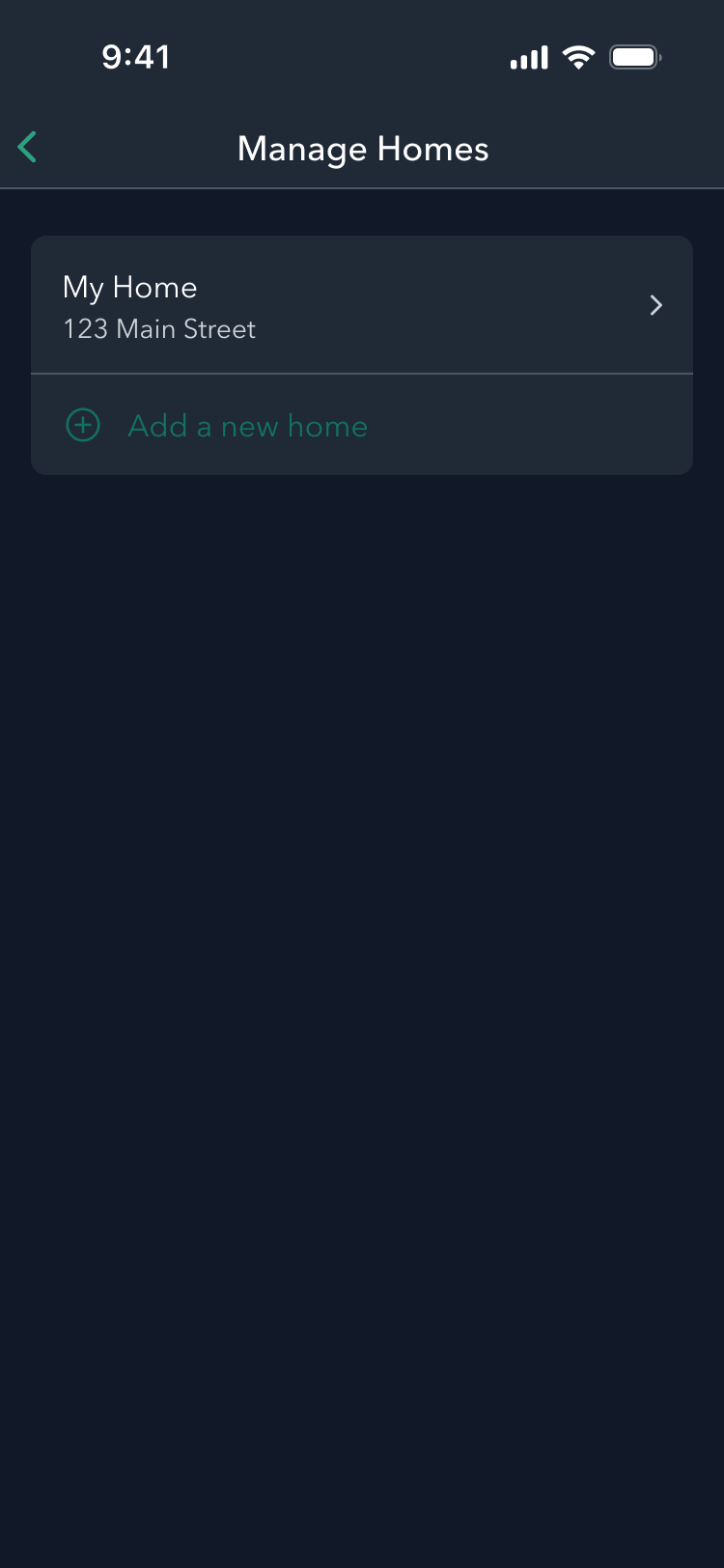
1. Click your Home Name at the top of the screen to open Manage Homes.

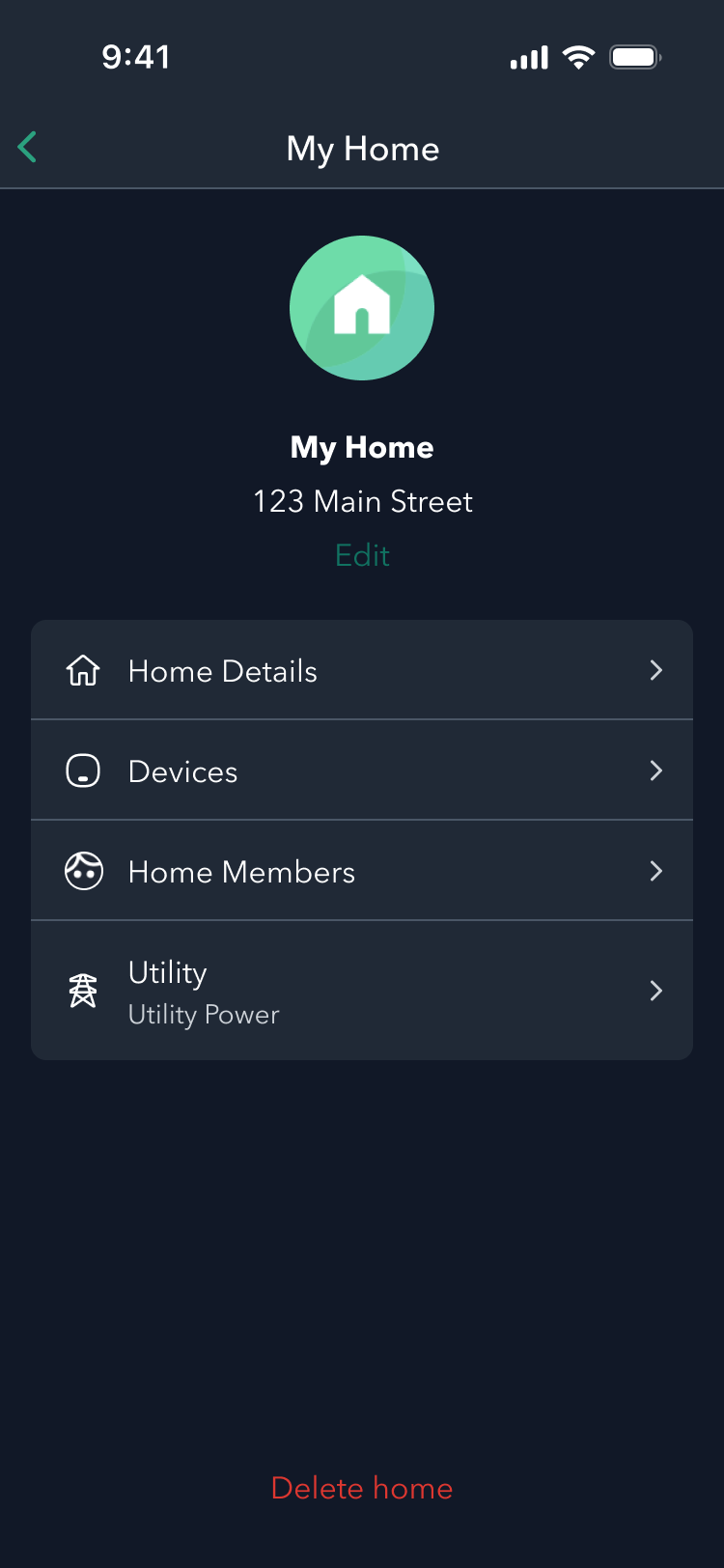
2. Select your Home Name.

3. Select the Utility tab to return to the enrollment flow, starting with a program offer.

How to enable Community Energy Savings (CES) on a new ecobee device

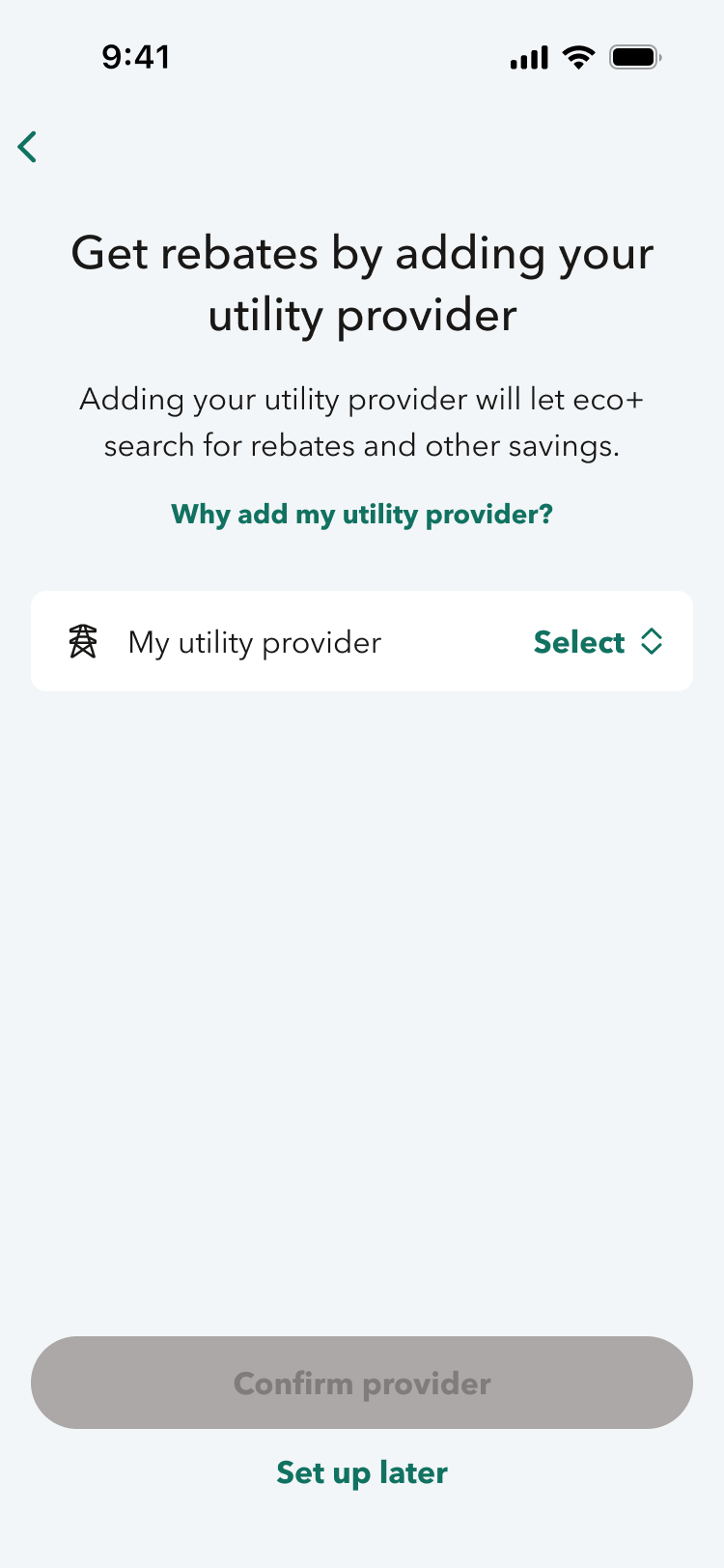
1. Select your utility based on your home address.

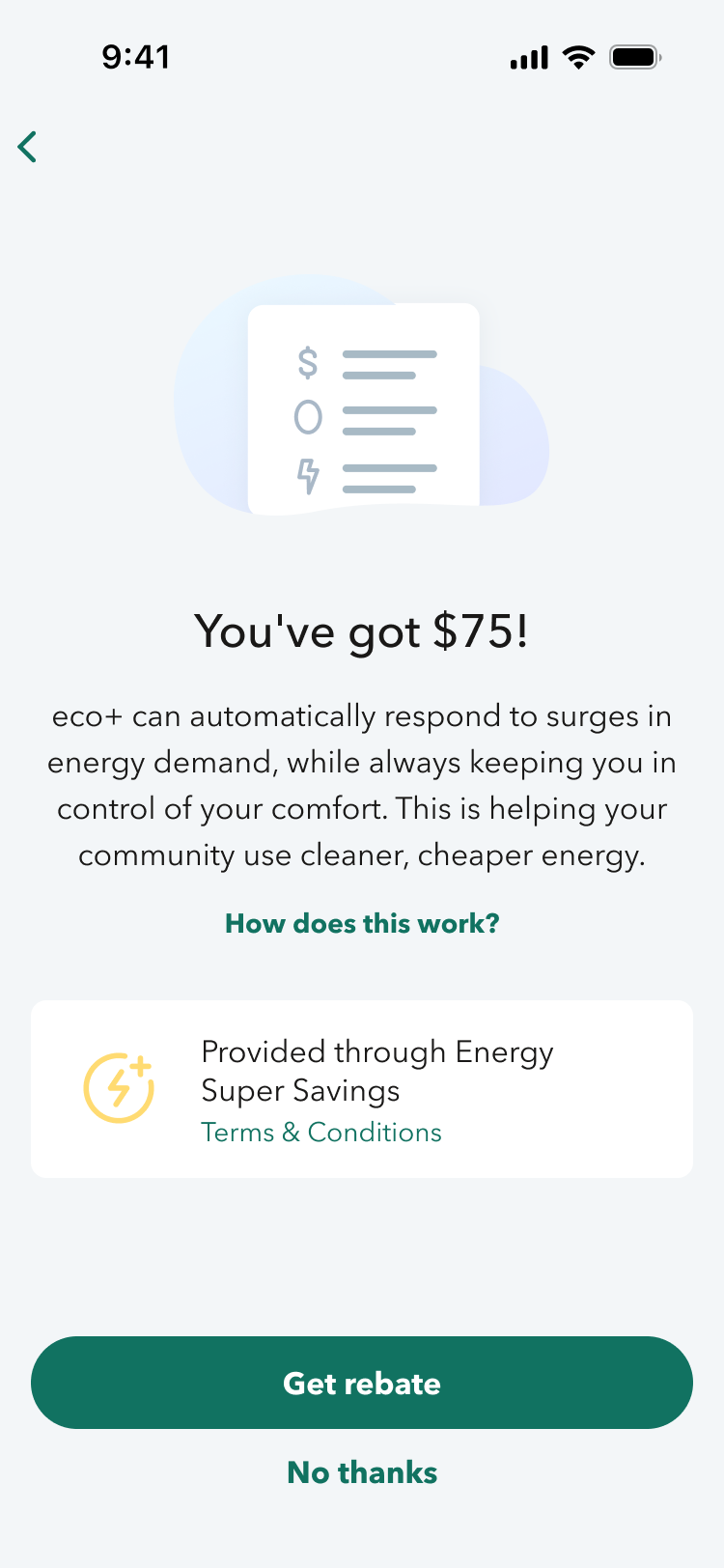
2. Select Get rebate when presented with your utility’s program offer and incentive.